
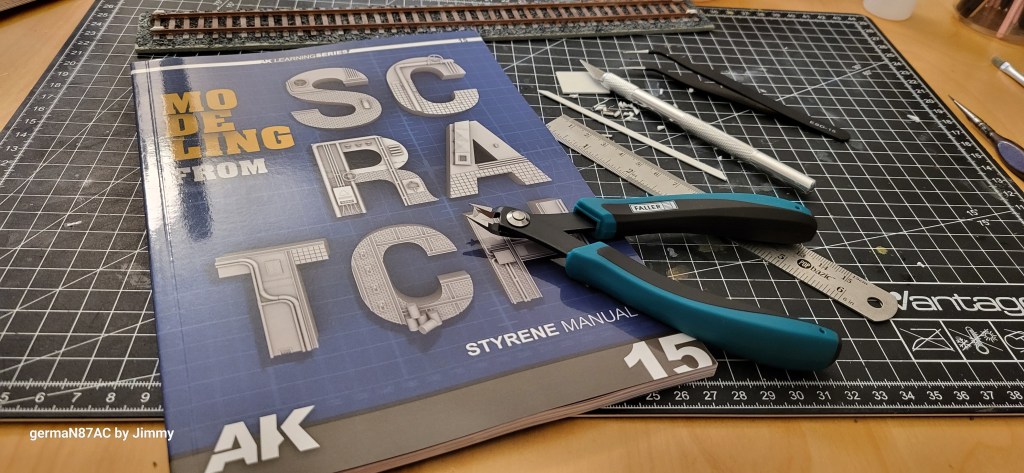
Internet, books etc. are good sources and resources for scale modelling, I have been interesting in architectural models and for my modules, I have made a few models: here, here and here. From AK Interactive Learning Series 15: Modeling from Scratch, I learned the basic of scale modelling.
Making Internal Component of a Tender
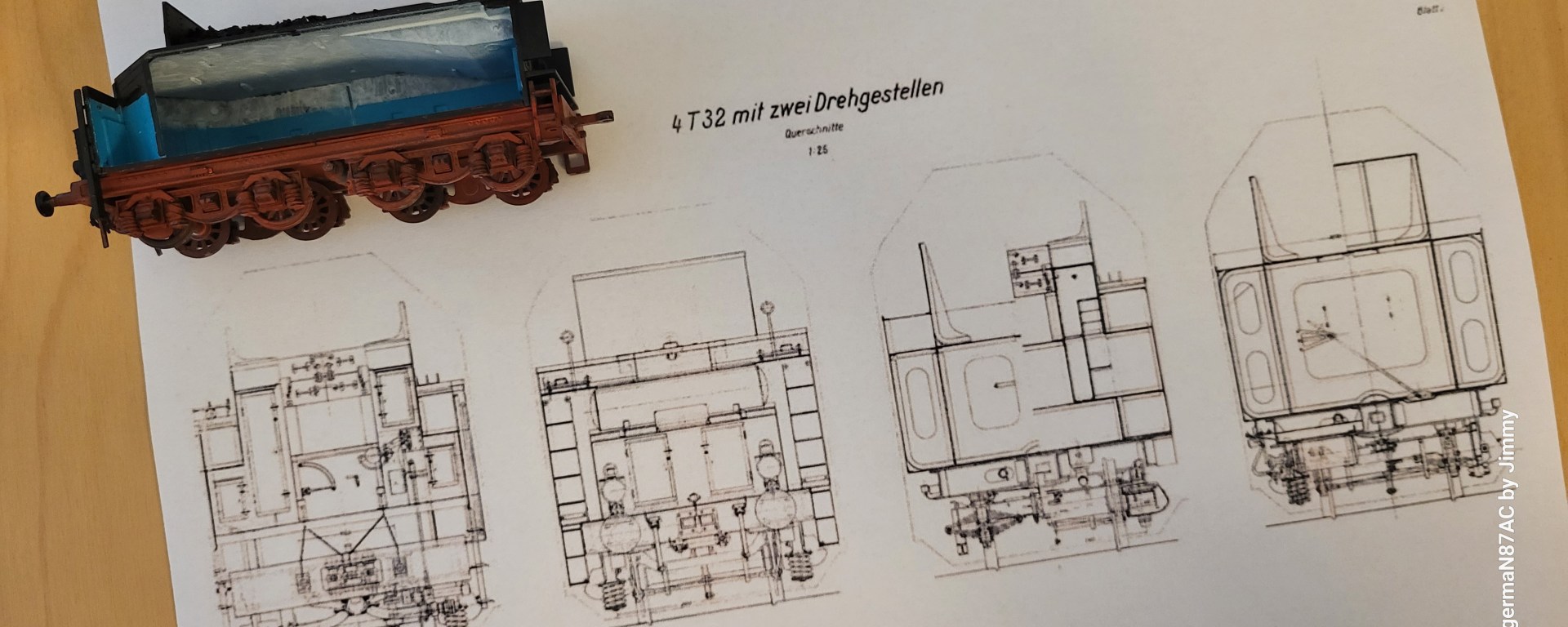
In a previous post on a tender cut-out, I made a styrene piece to show the internal plate of a steam locomotive tender. I was not happy with the result. Enrico from Adler Modellbahnmanufaktur in Cologne, which specialised in photo etched parts for model rolling stocks, was kind to give me a technical drawing of the tender.

I pasted the drawing on PowerPoint slide so that I could see the details and plan on my PC:
Scale to Scale
When looking at such drawing, we do not know its scale. Therefore, to make the 1/87 scale model of the Revell tender, I had to scale the drawing to exact scale. Using the same drawing, I copy to another PowerPoint slide and using a caliper, measured the height and width of the part that I wanted to make in styrene.
To create the exact measurement, I inserted a shape in the same PowerPoint slide. Right click on the shape, select “Size and Position”. Enter the measurements to create the exact rectangle that will be the shape of the styrene.
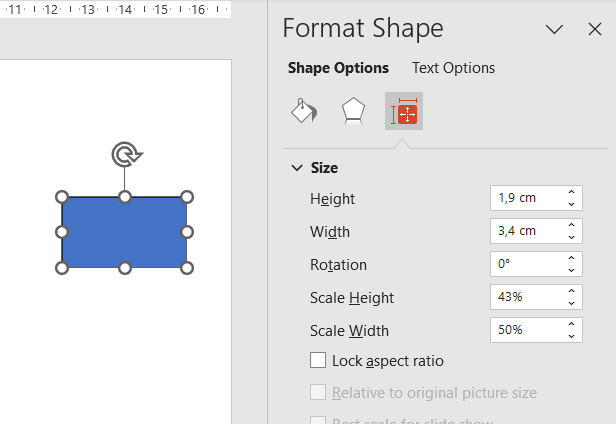
Putting the shape next to the drawing, I resized the drawing to the exact height and width of this shape. When print the resized drawing, make sure uncheck the “Scale to Fit Paper” so that your printer prints exactly the drawing to your scale.


The above picture shows how the drawing is now printed to scale. The old styrene part is shown below the blue scaled rectangle. Now this drawing becomes the template for me to make the exact component. That is for another blog post. I hope this tip helps you in your scale modelling.
 germaN:87AC :: Steam Experience Across Germany