

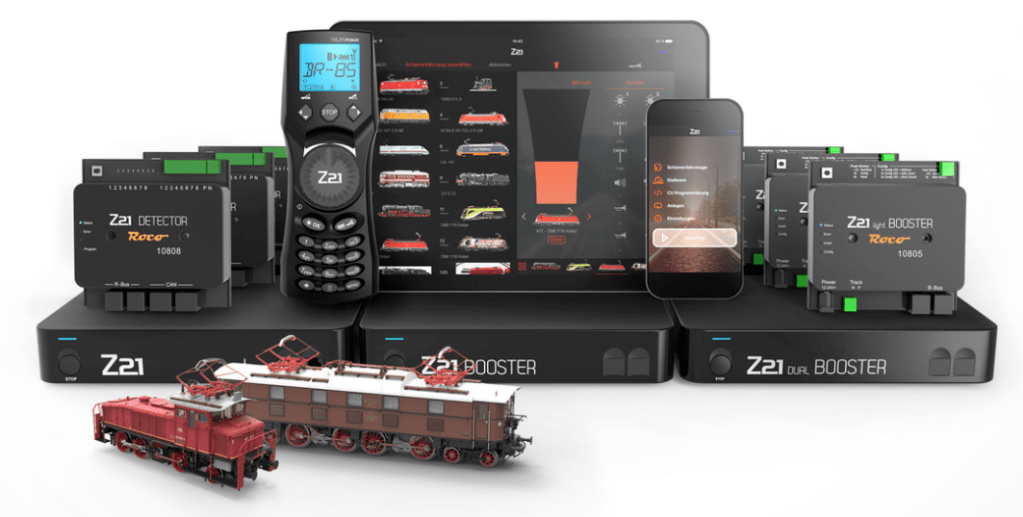
Roco/Fleischmann (both owned by Austria-based Modelleisenbahn GmbH) introduced z21 (white) and Z21 (black) digital control sets back around 2013/14 (I think). I received my first z21 digital starter set for my birthday in 2014. Back then, both white (basic) and black (advanced) versions already supported Motorola decoders (found in Märklin H0 models). At that time, I was modeling in N-scale on DCC. I still do N-scale but interested to run Märklin H0-scale layout in the future. Therefore, I could use z21 control center for both DCC and Märklin Digital.
This post explains how I did it. I will use the term “Z21” (capital Z) to mean both the z21 (start/basic) and Z21 (black/XL) unless otherwise specified for ease of reading and flow.
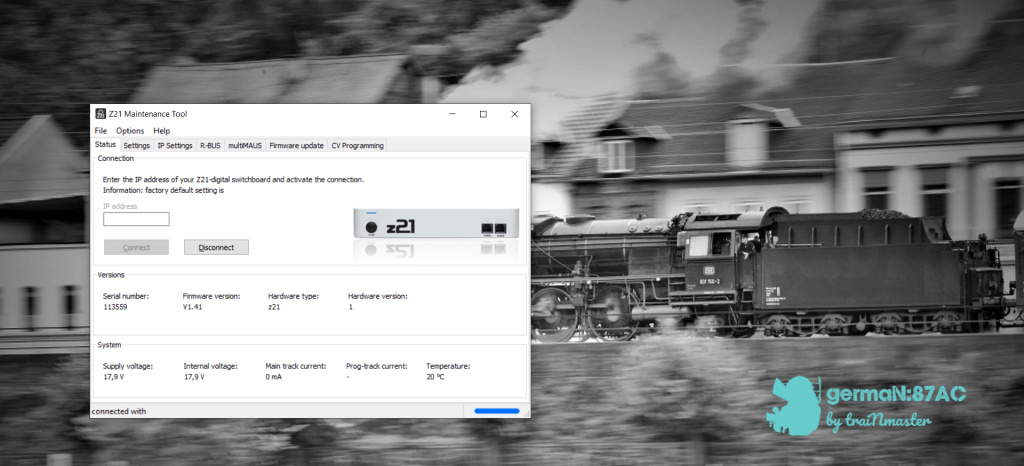
Z21 maintenance desktop app allows you to change the settings on your Z21 digital control center.
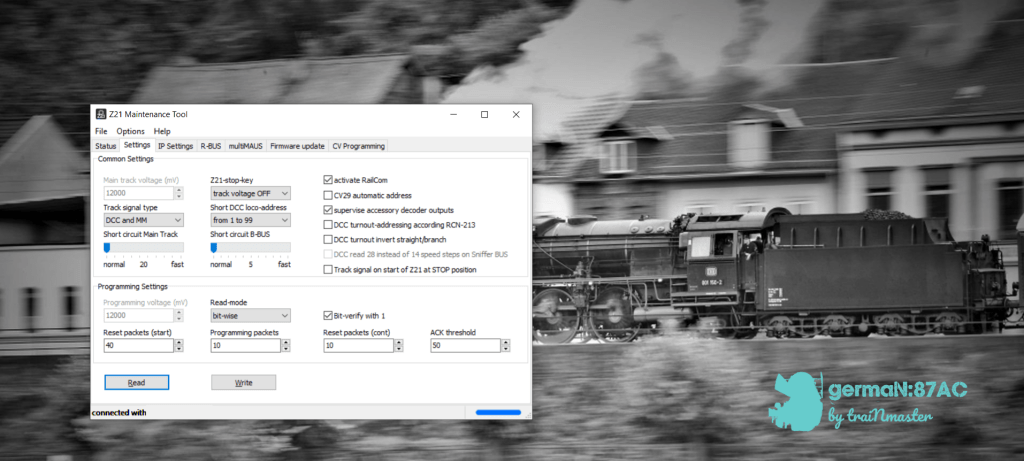
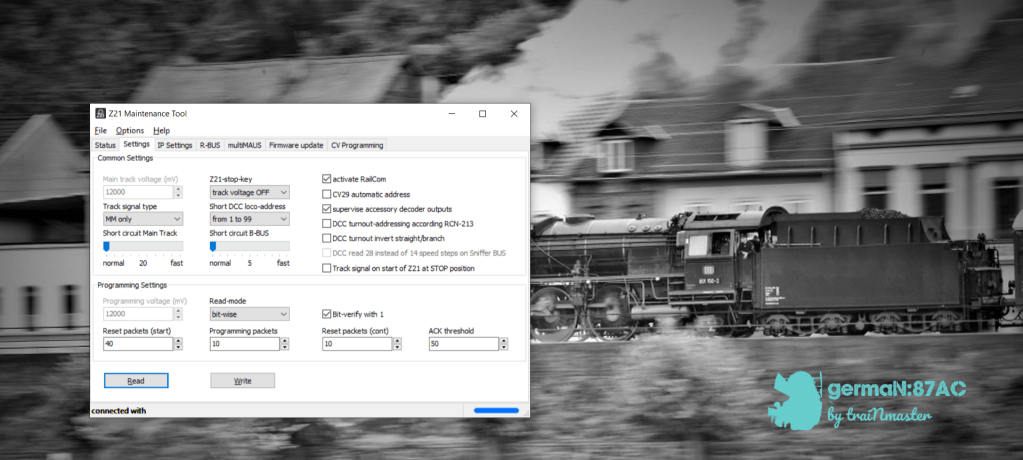
Under “Track signal type” in “Settings” menu, you can select either “DCC and MM” or “MM only”. Make sure you choose either one of these if you are using Z21 on your Märklin AC layout. Märklin Motorola (MM) decoders are found in older Märklin models.
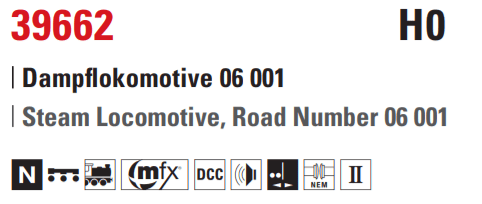
Unfortunately, Z21 control center does not read Märklin’s proprietary protocol mfx/mfx+. As some Märklin models have decoder that supports all these digital formats mfx, MM1, MM2 and DCC.
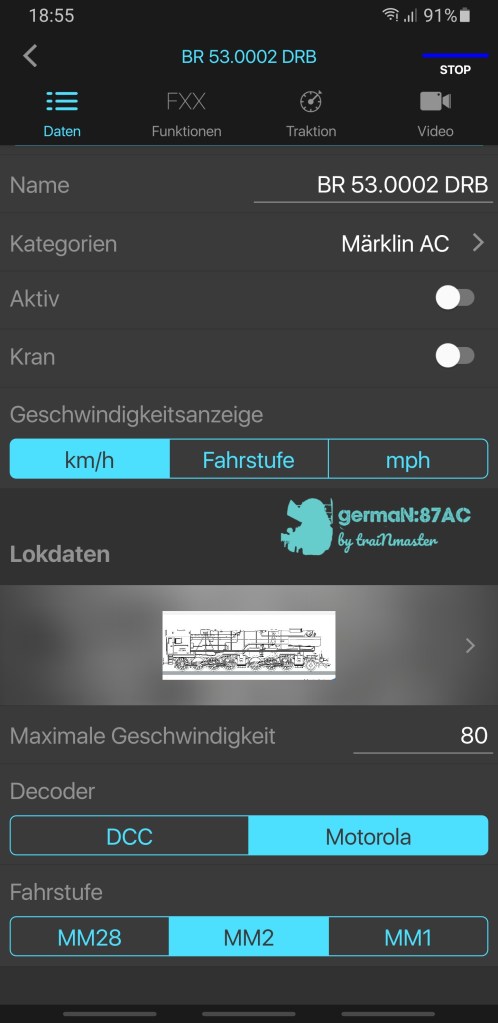
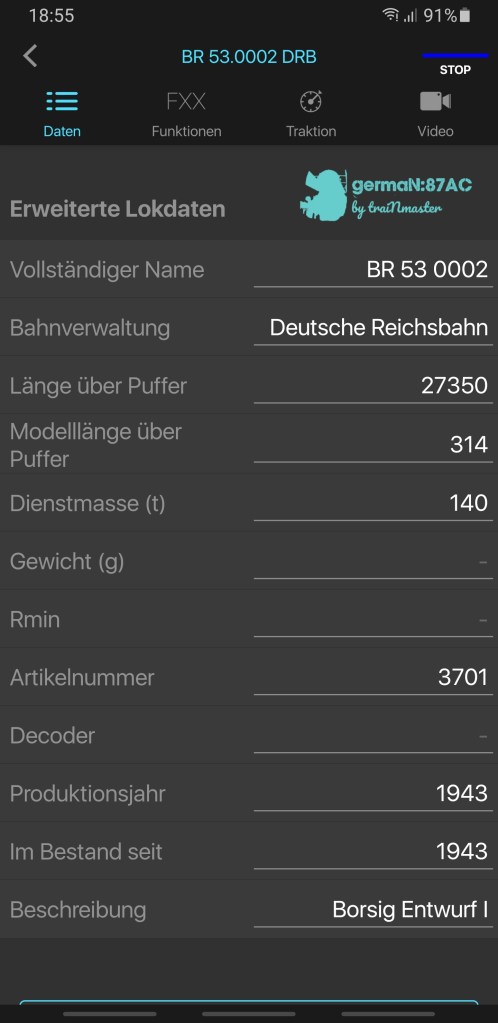
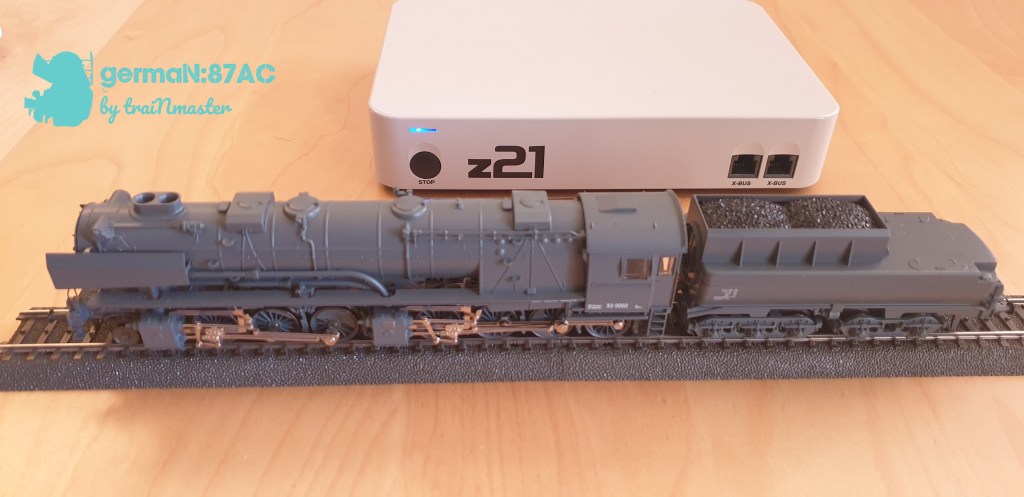
On the Z21 app, you can add a Märklin loco and its data and characteristics, as I have done for my BR 53 0002 DRG. Remember to choose Motorola decoder.
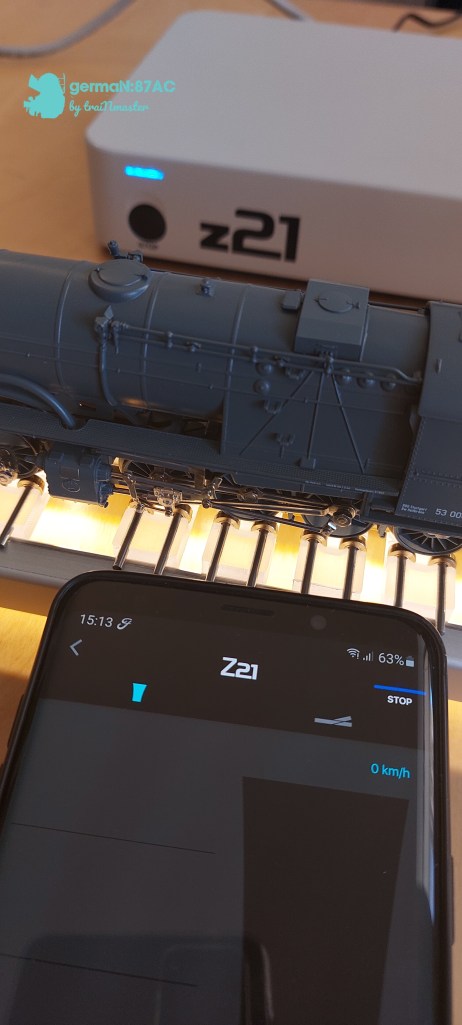
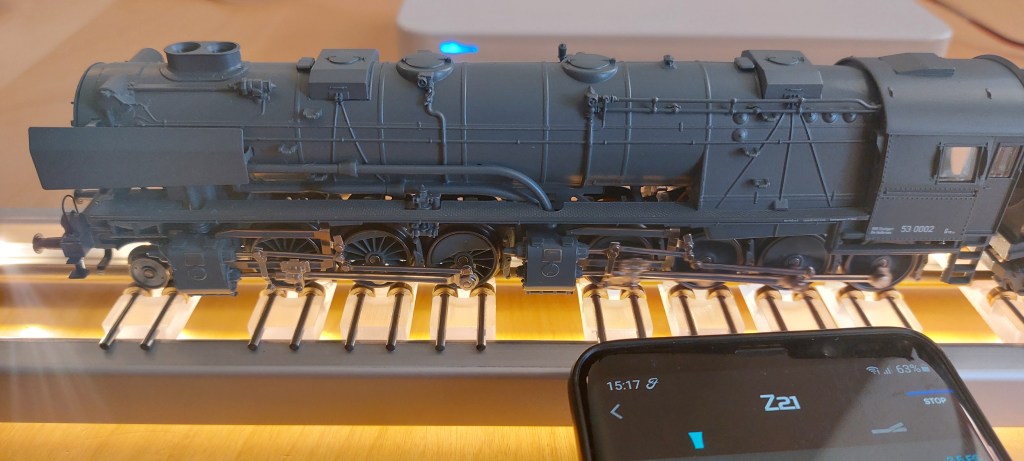
I placed my BR 53 on the rolling test stand, which is connected to my z21 control center, open the Z21 app and powered up the throttle. The result was amazing. The driving wheels turned slowly and picked up speed as I throttled up.
 germaN:87AC :: Steam Experience Across Germany